


 Send Inquiry
Billing Software
Price 8000 INR/ Unit
MOQ : 1 Unit
Billing Software Specification
- Support System
- Online & Offline
- Usage
- Easy and User-Friendly Billing Operations
- Language Support
- English, Hindi
- Compatible System
- Windows, Linux
- Interface Type
- Graphical User Interface (GUI)
- Security Features
- Password Protection, User Access Control, Data Encryption
- Capacity (Person)
- Multi-User Support
- Type
- Billing Software
- Application
- Business, Retail, Restaurant, Supermarket, Inventory Management
- Analytics
- Dashboard, Sales Analysis
- Customer Support
- Call, Email, Remote Assistance
- Mobile App Support
- Available for Android
- Notifications
- SMS and Email Alerts
- User Management
- Role-based Permissions
- Reporting
- GST Invoices, Sales, Purchase, Inventory Reports
- Database
- SQL, Access
- Customization
- Invoice Layout, GST Compliance, Custom Fields
- Barcode Management
- Barcode Generation & Scanning
- Backup
- Automated Backup & Data Recovery
- Licensing
- Single and Multi-User License
- Training
- Online Training & Demo Available
- Updates
- Automatic Updates
- Deployment
- Cloud-based & On-Premises
- Printer Support
- Thermal & Laser Printers
- Integration
- POS, Barcode Scanner, Printer Compatibility
Billing Software Trade Information
- Minimum Order Quantity
- 1 Unit
- Supply Ability
- 1 Unit Per Day
- Delivery Time
- 1 Days
Billing Software About
We are an acclaimed manufacturer of Billing Software for our huge clientele base. In business IT, this software refers to programs that handle the tracking of billable products and services delivered to a customer or set of customers. Some Billing Software in the market also tracks work hours for billing purposes.
| Ergonomically Designed | 15.6" inch POS system |
| Operating Systems | Windows |
| peed rugged | 3 inch thermal printer with USB interface |
| SMart HD LED Display | 24 inch |
| Operating System | For Windows |
| Type | Online/Cloud-based |
| Is It Customised | Customisation |
| Download Option | Free Download Available |
| User Friendly | Yes |
| I deal in | New Only |
| Number Of Users | 250 |
| Installation Provided | Yes |
| Also Provides | Retail Billing Software |
Efficient GST-Ready Billing and Inventory Management
Designed for Indian businesses, this billing software streamlines GST invoice creation, inventory tracking, and sales reporting. Tailored features for business, retail, restaurant, supermarket, and other industries ensure seamless billing, stock management, and statutory compliance. Its multi-user capacity and robust analytics offer managers comprehensive insight into daily operations.
Seamless Integration and Customization
Enjoy hassle-free integration with POS terminals, barcode scanners, and printers, enabling rapid transactions and inventory updates. Customize invoice layouts, fields, and GST compliance to match your branding and operational needs. Advanced barcode management supports easy product tracking with generation and scanning functionalities.
Secure, Reliable, and Accessible Anywhere
Automatic updates, encrypted data storage, and user-access controls safeguard your business information. With online and offline support, automated backups, and database options like SQL and Access, your data remains consistently protected and recoverable. The included mobile app for Android ensures billing operations can be managed remotely.
FAQ's of Billing Software:
Q: How does this billing software help in GST invoice generation and compliance?
A: The software automatically generates GST-compliant invoices, ensuring all necessary fields and tax calculations are included. It also offers customizable layouts and fields to adapt to evolving GST regulations, enabling businesses to stay compliant with Indian tax laws effortlessly.Q: What are the benefits of deploying the software on the cloud versus on-premises?
A: Cloud deployment offers remote accessibility, automatic updates, and data backup, making it ideal for businesses needing mobility. On-premises installation ensures complete data control and works well for environments with stringent privacy requirements or limited internet access.Q: When are automatic updates applied, and does it require manual intervention?
A: Automatic updates are performed regularly by the system, typically during off-peak hours to minimize disruption. Users do not need to intervene manually, ensuring software features and security protocols remain up-to-date.Q: Where can I access reports and analytics, and what types of reports are available?
A: Users can access reports and analytics through the software's dashboard, available on both desktop and Android mobile app. It provides GST invoices, sales, purchase, inventory, and sales analysis reports for strategic decision-making.Q: What is the process for integrating POS systems, barcode scanners, and printers?
A: Integration is straightforward via built-in compatibility features. The software supports most major POS systems, barcode scanners, and both thermal and laser printers, requiring only basic configuration and connection for seamless operation.Q: How does automated backup and data recovery work in this software?
A: Automated backup routines continuously safeguard your data by creating secure copies, either on the cloud or locally. In the event of data loss or system failure, restoration is quick and guided by an intuitive recovery process, ensuring business continuity.Q: What advantages does role-based user management provide?
A: Role-based permissions enable administrators to control access according to staff responsibilities. This increases data security, reduces errors, and streamlines workflows by ensuring users see only the features relevant to their job function.
Tell us about your requirement

Price:
Quantity
Select Unit
- 50
- 100
- 200
- 250
- 500
- 1000+
Additional detail
Mobile number
Email

More Products in Customized Software Service Category
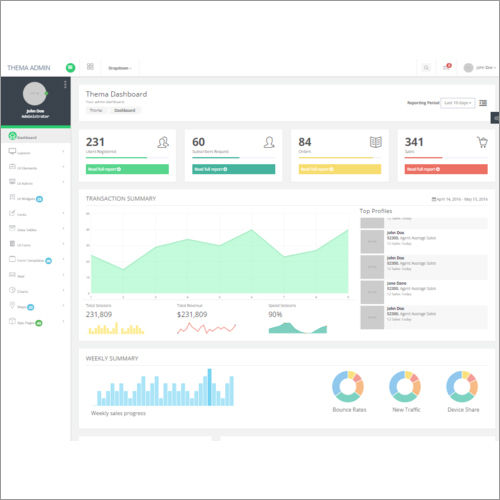
Warehouse Management Software
Price 50000 INR / Unit
Minimum Order Quantity : 1 Unit
Type : Other, Warehouse Management Software
Capacity (Person) : MultiUser (Scalable)
Security Features : Rolebased access control, Encryption
Compatible System : Windows, Mac, Linux
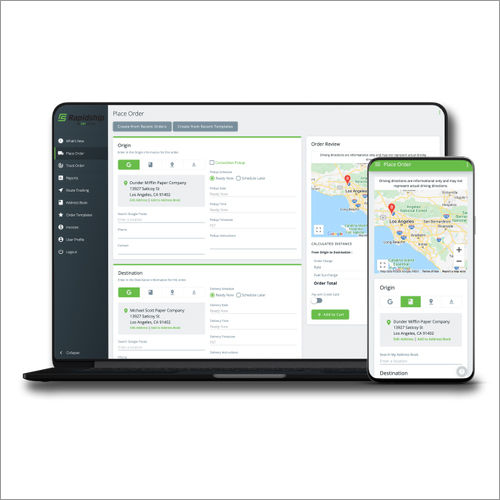
Customized Dispatch Tracking Software
Price 50000 INR / Unit
Minimum Order Quantity : 1 Unit
Type : Other, Customized Dispatch Tracking Software Solution.
Capacity (Person) : Multiuser functionality with customizable user roles.
Security Features : Rolebased access control, data encryption, audit trail, secure login.
Compatible System : Windows, macOS, Android, iOS supported platforms.

HONESTATTVA IT SOLUTIONS PRIVATE LIMITED
GST : 24AAECH4103Q1ZK
Contact Details

- B No 02, Ground Floor, Near New RBI Lane, Ashram Road,Ahmedabad - 380014, Gujarat, India

- Mr. Hardik (Director)
- Mobile :08045816199


HONESTATTVA IT SOLUTIONS PVT. LTD.
All Rights Reserved.(Terms of Use)
Developed and Managed by Infocom Network Private Limited.
Developed and Managed by Infocom Network Private Limited.


 English
 Spanish
 French
 German
 Italian
 Chinese (Simplified)
 Japanese
 Korean
 Arabic
 Portuguese